Consultation booking
Publish clear appointment types with duration, eligibility, and preparation expectations.
Qualify the request, offer valid times, and keep the next staff action connected to the client.

Start with a clear customer request, make the next action bookable, and keep staff in control when judgment or follow-up is required.
Publish clear appointment types with duration, eligibility, and preparation expectations.
Route requests that need qualification or policy review into an owned queue.
Keep the client, conversation, appointment, and staff task linked through the journey.
This representative journey connects discovery, booking, daily operations, and follow-up without overstating policy or integration coverage.
A focused page explains the service and what to prepare.
Bookable requests continue; exceptions route to the business.
The client receives a reference and the team sees the appointment.
Next actions remain linked to the client journey.
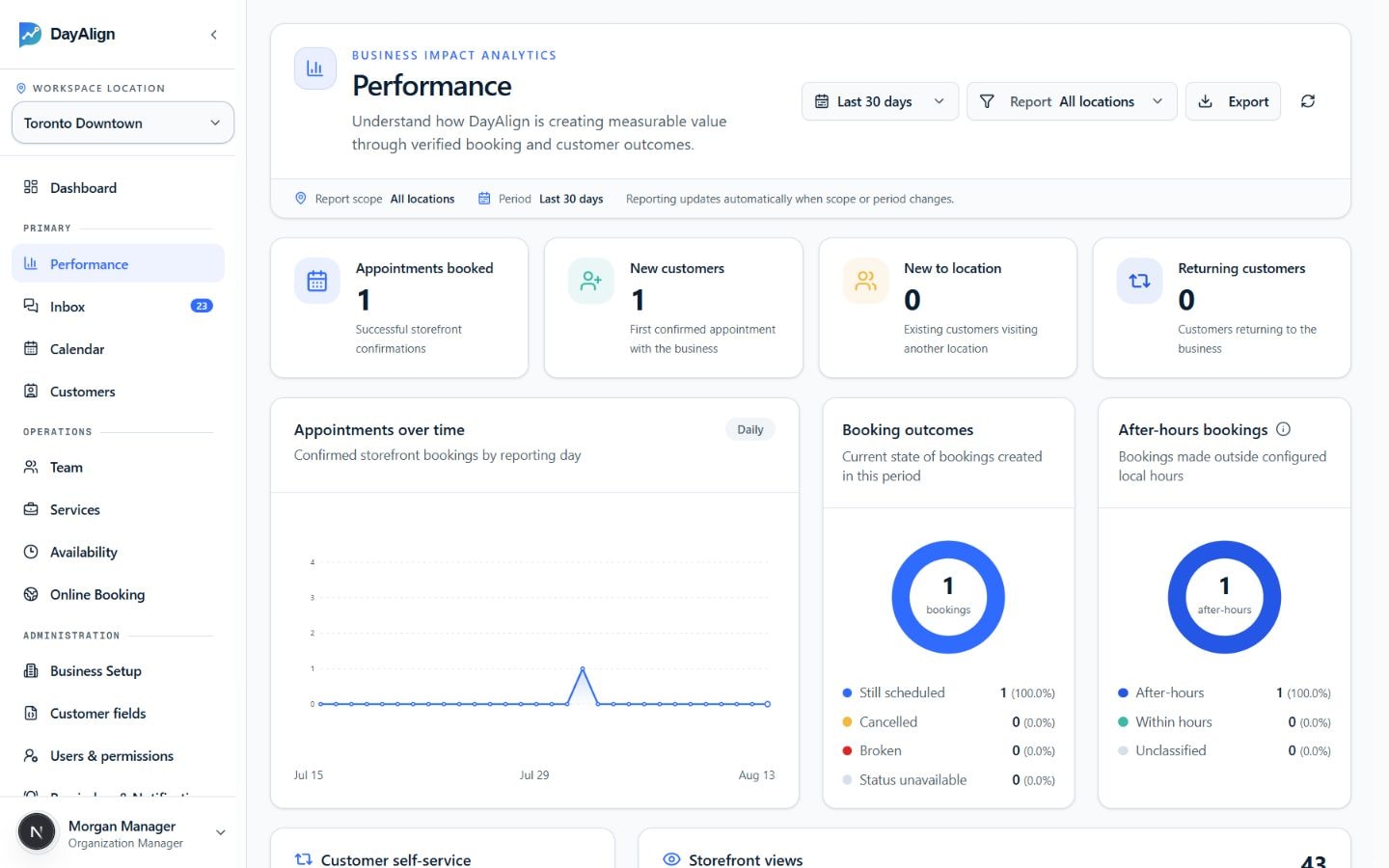
Track booked appointments, customer growth, and booking outcomes from the same operational record.
Clear answers about fit, operating boundaries, and what should remain under staff control.
Yes. The booking flow can use a contact-business or staff-review path where direct booking is not appropriate.
The service and provider model can represent provider eligibility and availability by location.
DayAlign focuses on appointment and customer-journey operations. Any CRM role or integration should be defined during discovery.
We’ll map your services, booking rules, staff handoffs, and current systems before recommending a rollout.