A practical guide to omnichannel appointment scheduling
How appointment-based teams can connect customer conversations to scheduling without creating more channel and handoff chaos.
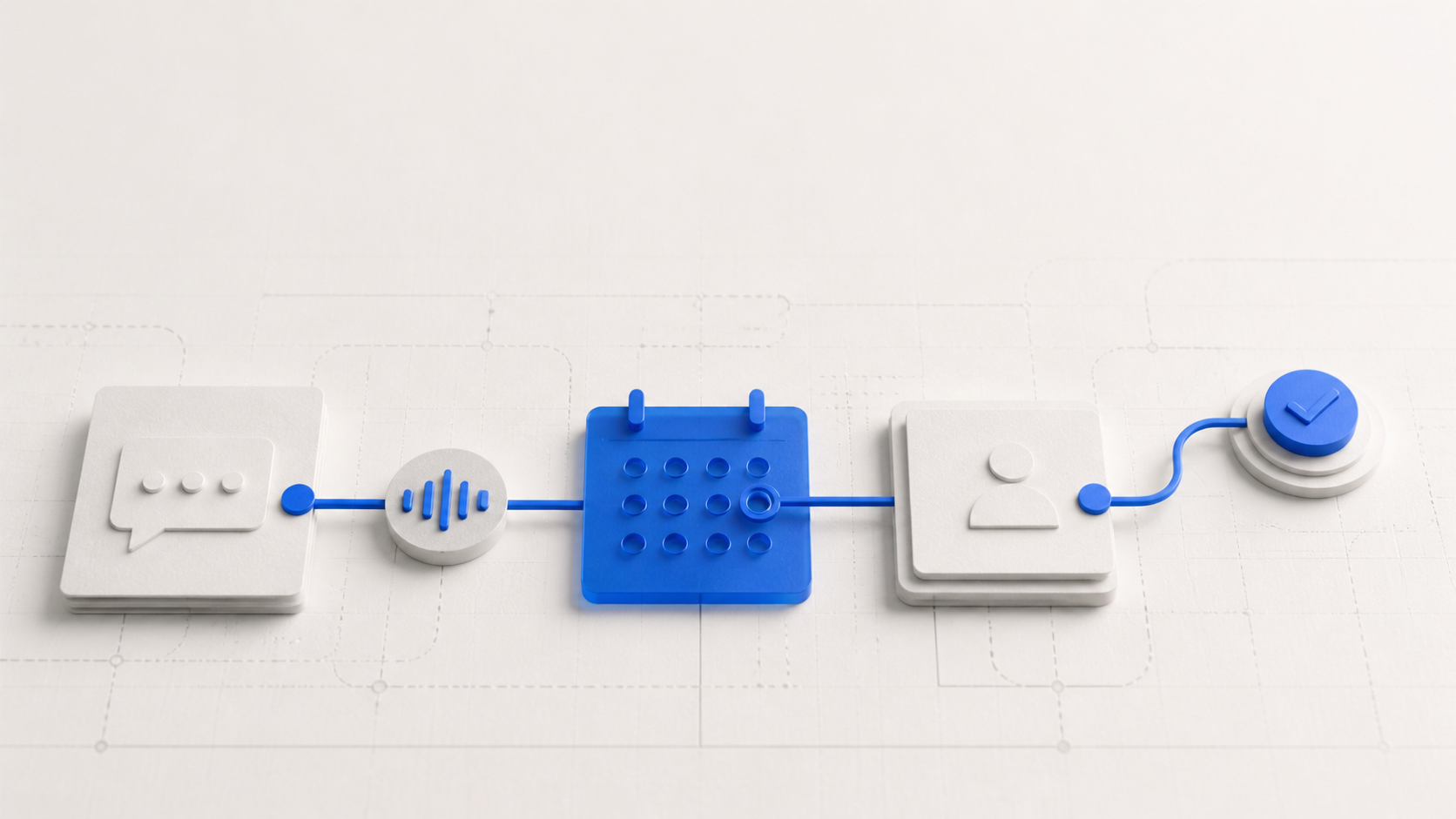
Customers rarely think in channels. They may discover a business on the web, ask a question over messaging, call when the answer is urgent, and expect the person helping them to understand what already happened.
For appointment-based businesses, the difficult part is not simply offering more ways to communicate. The difficult part is keeping the conversation, scheduling decision, and staff follow-up connected as the customer moves between those ways of communicating.
That is the practical meaning of omnichannel appointment scheduling: the customer can change channels without forcing the business to restart the journey.
The problem is usually the handoff, not the channel
Adding another inbox is easy. Adding another booking link is easy. The operational cost appears when each tool has a different view of the customer and a different version of what should happen next.
A typical journey
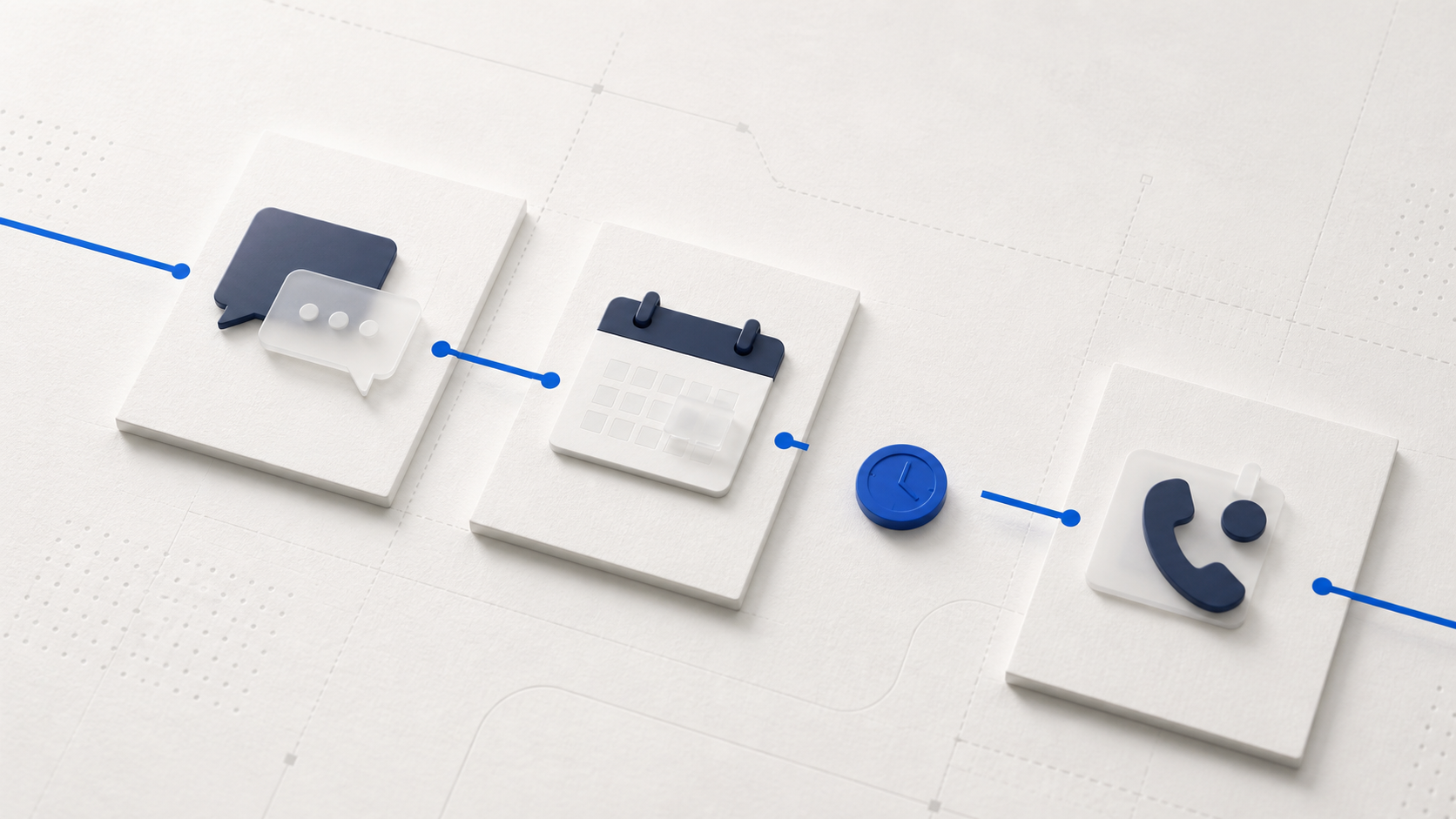
- A customer asks about availability through a messaging channel.
- A staff member answers but cannot see the current schedule in the same workflow.
- The customer is sent to a separate booking page.
- The preferred time is no longer available when the customer gets there.
- The customer calls, and another staff member has to reconstruct the conversation.
Every step technically works. The overall experience still feels disconnected.
Bring customer messages into one inbox
Staff should not need four browser tabs to understand one customer conversation.
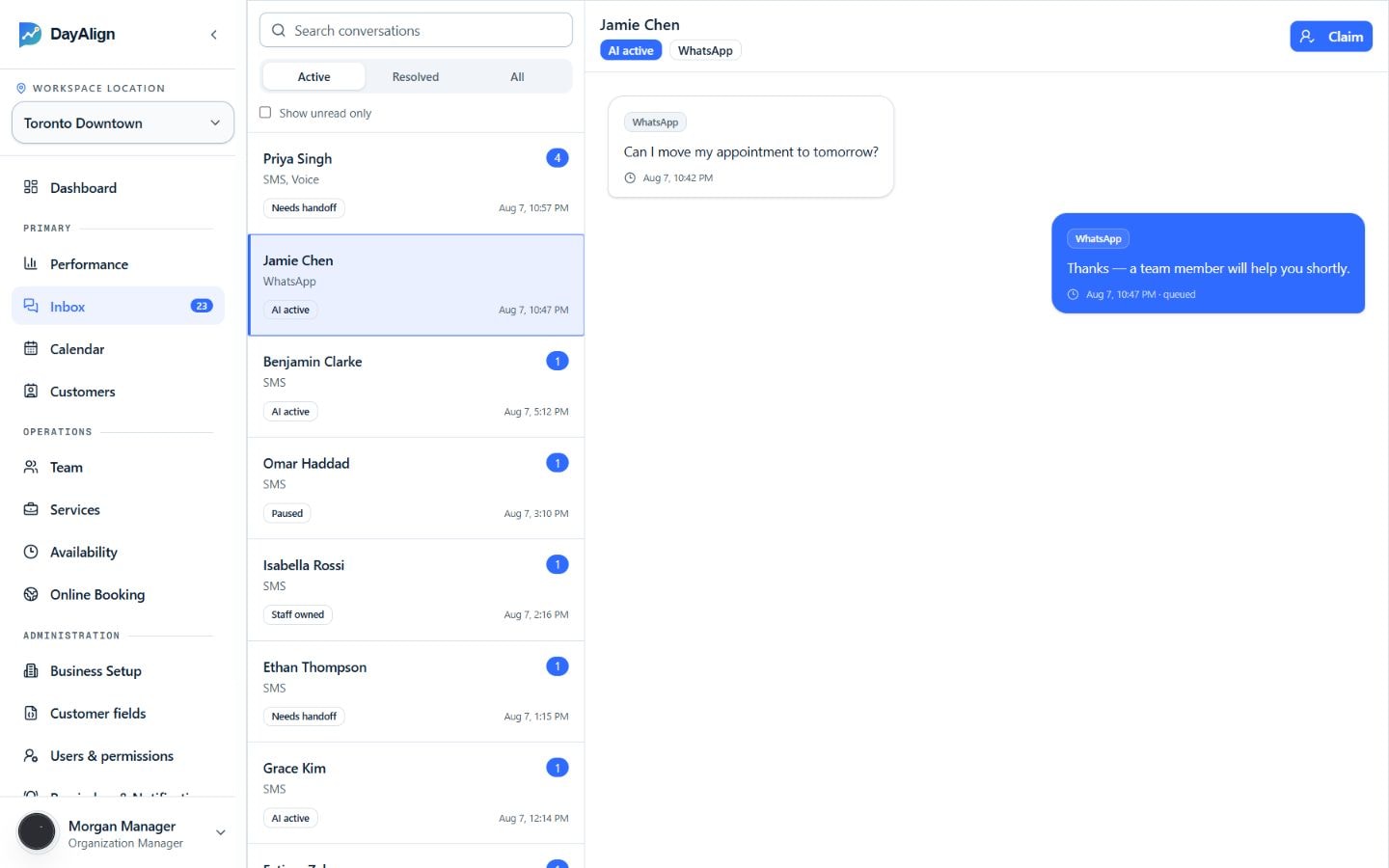
DayAlign is designed to bring supported conversations into the same operational view, including messages from:
Facebook Page
Keep Page inquiries with the customer record and current owner.Instagram
Move direct-message questions into the same staff workflow.WhatsApp
Handle appointment questions and changes with booking context visible.Web chat
Continue website conversations without creating a separate customer history.
Channels are configured according to the business's integration setup and operating requirements.
Start with one source of scheduling truth
Before automating anything, decide which system owns availability and appointment state.
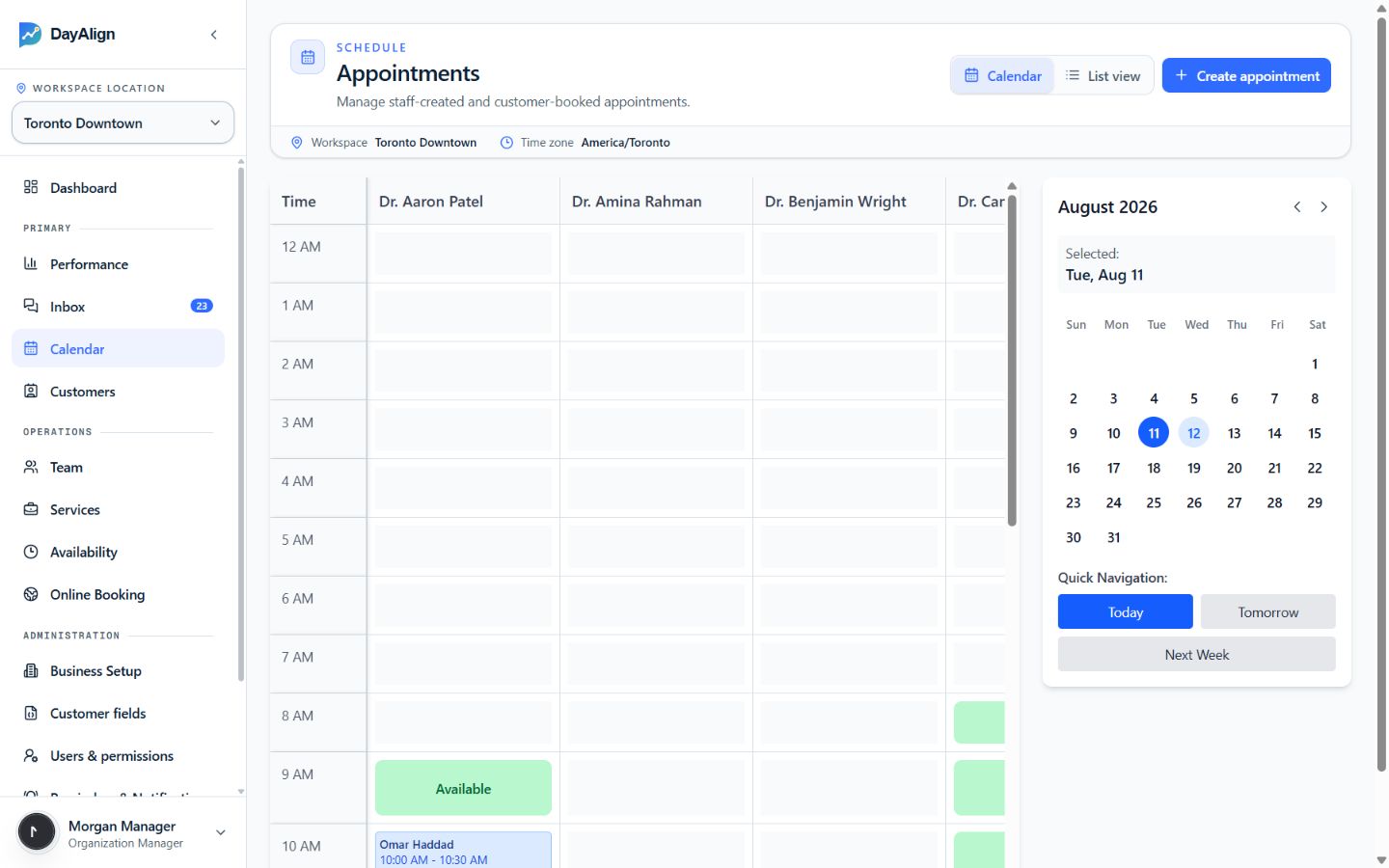
Where does a confirmed appointment live?
Which system decides whether a time is actually available?
What happens when two customers request the same slot?
Who can reschedule or cancel an appointment?
How are staff changes reflected across customer-facing channels?
If those answers vary by channel, automation will usually amplify the inconsistency instead of removing it.
A good omnichannel experience does not require every channel to do everything. It requires every channel to respect the same operational truth.
Separate a request from a confirmed appointment
Conversational experiences can make scheduling feel immediate, but businesses still need a clear boundary between customer intent and a confirmed booking.
A customer saying “Tuesday afternoon works” is not necessarily the same thing as a confirmed appointment. A reliable flow should validate availability, apply the business's scheduling rules, and make the confirmation explicit.
That distinction becomes even more important when AI or workflow automation is involved. The system should be able to explain whether it is collecting a preference, proposing an option, holding a slot, or confirming an appointment.
Give staff the context they need to take over
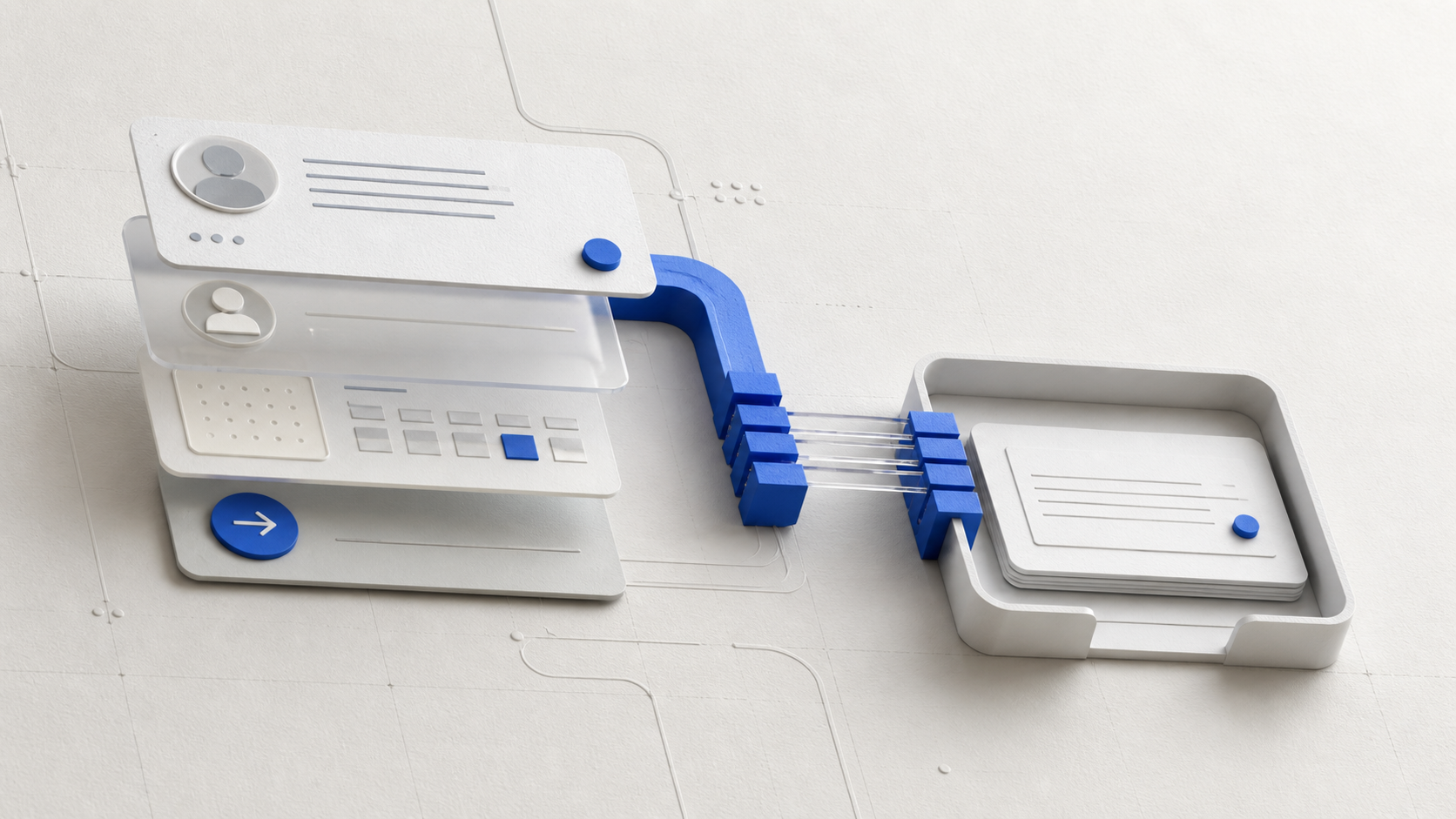
Automation should reduce repetitive work without making human takeover harder.
The handoff should preserve
- who the customer is,
- what they are trying to do,
- what has already been discussed,
- which appointment or service is involved,
- and what action the staff member should consider next.
Treat reminders and follow-up as part of the same lifecycle
The scheduling journey does not end when an appointment is created.
Confirmation, reminders, attendance responses, rescheduling, cancellation, check-in, service completion, feedback, and the next visit all depend on the same customer and appointment context.
Without that context, the customer experiences the handoff as a restart. With it, the staff member can continue the journey instead of reconstructing it.
That does not mean a business needs to automate the entire lifecycle on day one. It means the architecture should avoid creating a new disconnected workflow for every lifecycle stage.
A practical rollout sequence
For most teams, a controlled rollout is safer than attempting a fully automated omnichannel experience immediately.
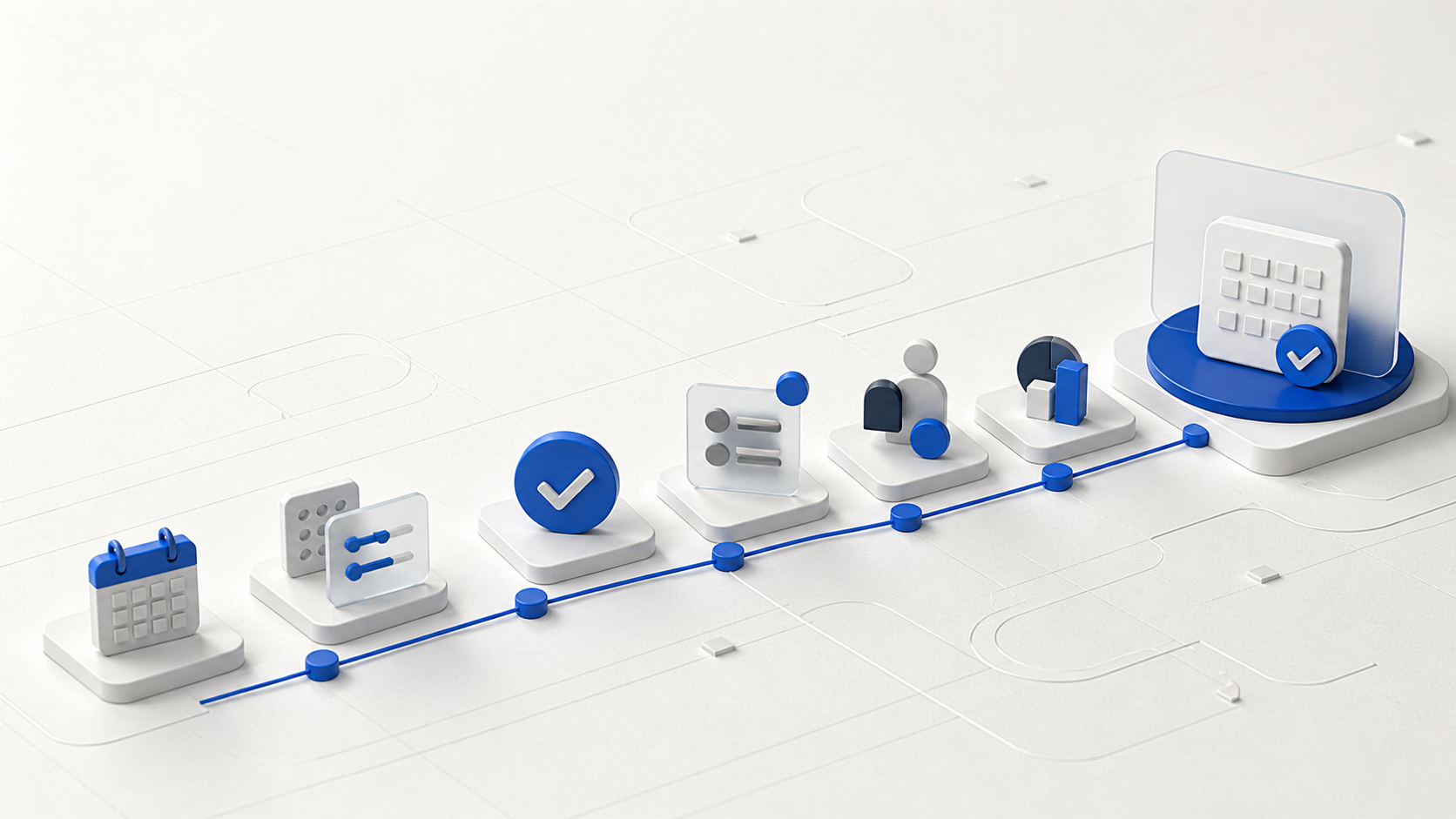
- Map the current journey.Identify where conversations, scheduling, and staff handoffs break today.
- Choose the scheduling source of truth.Make ownership of availability and appointment state explicit.
- Connect the highest-value conversation channels.Start where customers already contact the business most often.
- Standardize staff handoff.Preserve conversation and appointment context when a person takes over.
- Add automation behind clear confirmation boundaries.Automate repetitive steps without making appointment state ambiguous.
- Measure operational outcomes.Look at response time, booking completion, handoff volume, rescheduling friction, and missed appointments rather than channel volume alone.
What good looks like
The customer should not need to understand the business's software stack. They should be able to start a conversation, get an answer, move toward an appointment, and receive follow-up without repeatedly supplying the same context.
Staff should be able to see what happened, understand what is confirmed, and step in when judgment is needed.